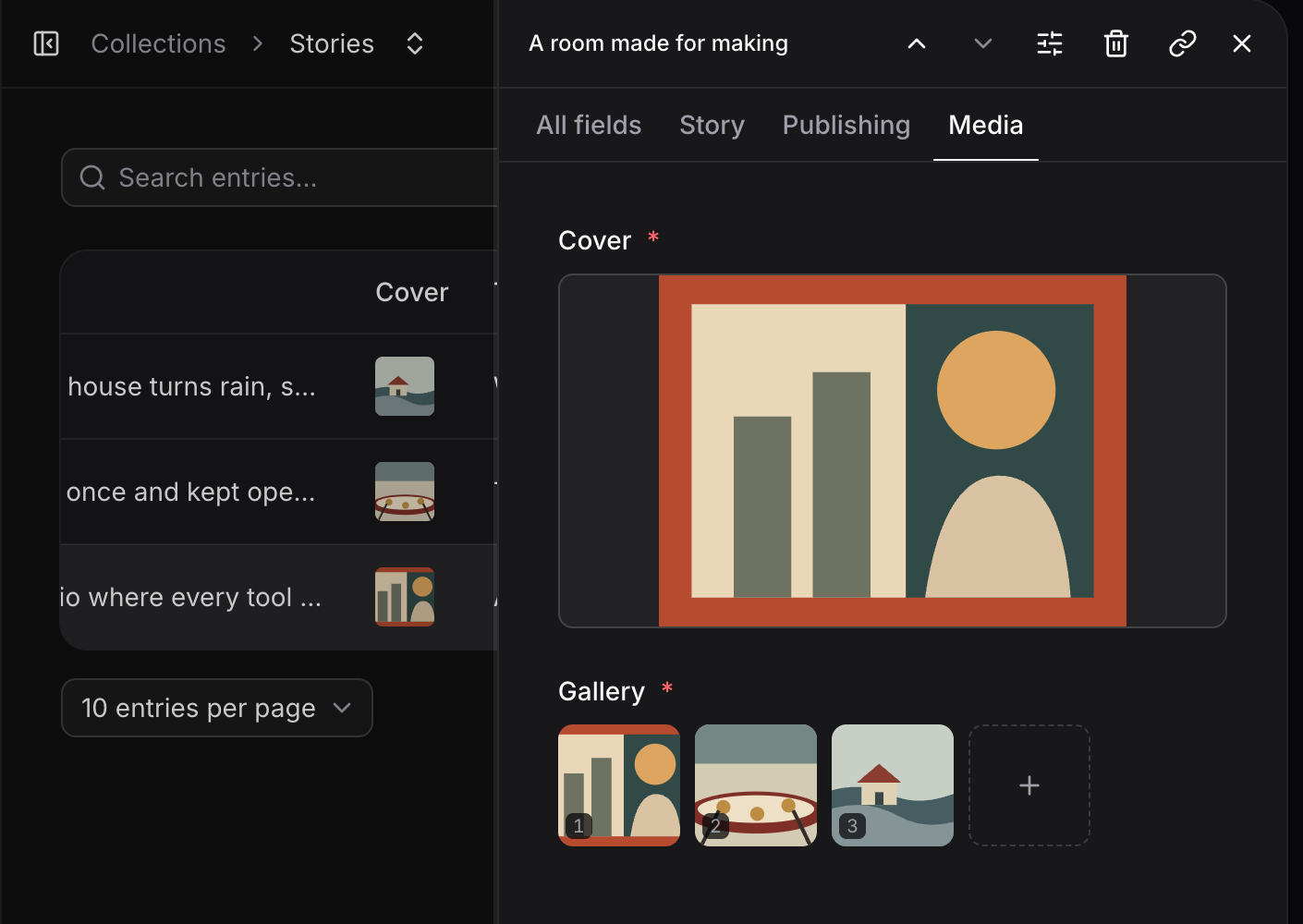
Fimo now supports grouped fields, ordered multi-image fields, and exact datetimes in content schemas, alongside visual editing and media generation in Studio. Portico Journal entry editor in Fimo Studio with an ordered gallery field The gallery field keeps the image sequence visible and in order while you edit the entry.

Define the fields in code

A field can look like this inside a schema:
Push the schema to the Branch your team uses:
See content schemas for the full field reference, then manage entries in Studio.

Store exact moments

Use a datetime field when a calendar day is not precise enough, such as an event start or a last-reviewed timestamp. Fimo keeps the complete ISO instant, so filtering and sorting do not lose the time or offset. Portico Journal entry editor in Fimo Studio with an Editorial review date and time field
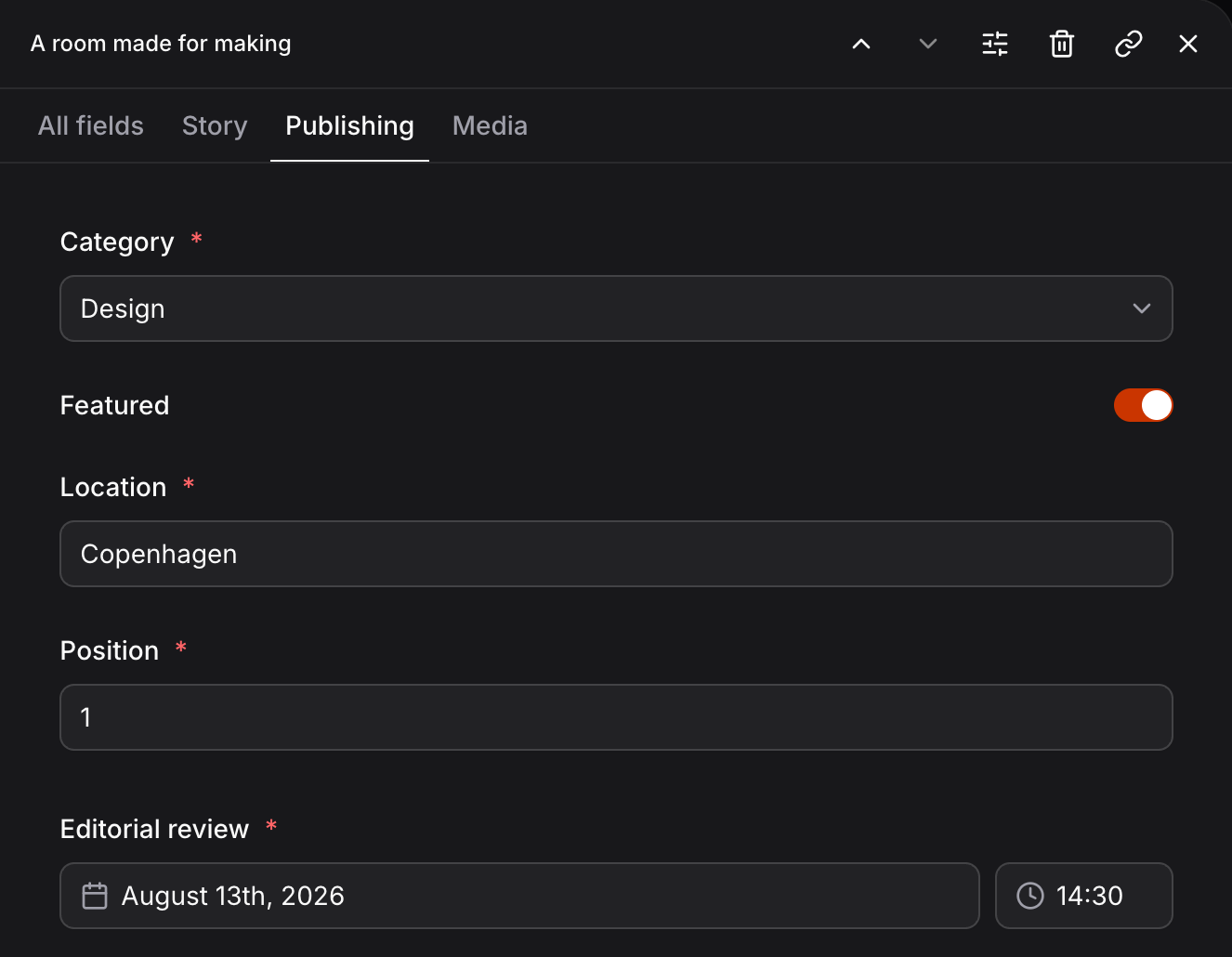
Render it with the generated <DateTime> component so the exact instant stays available to the page and to Studio’s visual editing. See content fields and framework components.

Edit the result in context

Select visible text and images in Preview and update them without leaving the site. Upload, organize, or generate media in the Media library, then reuse it in content and AI chat. Edit visually, manage media, or generate images and videos. See all updates