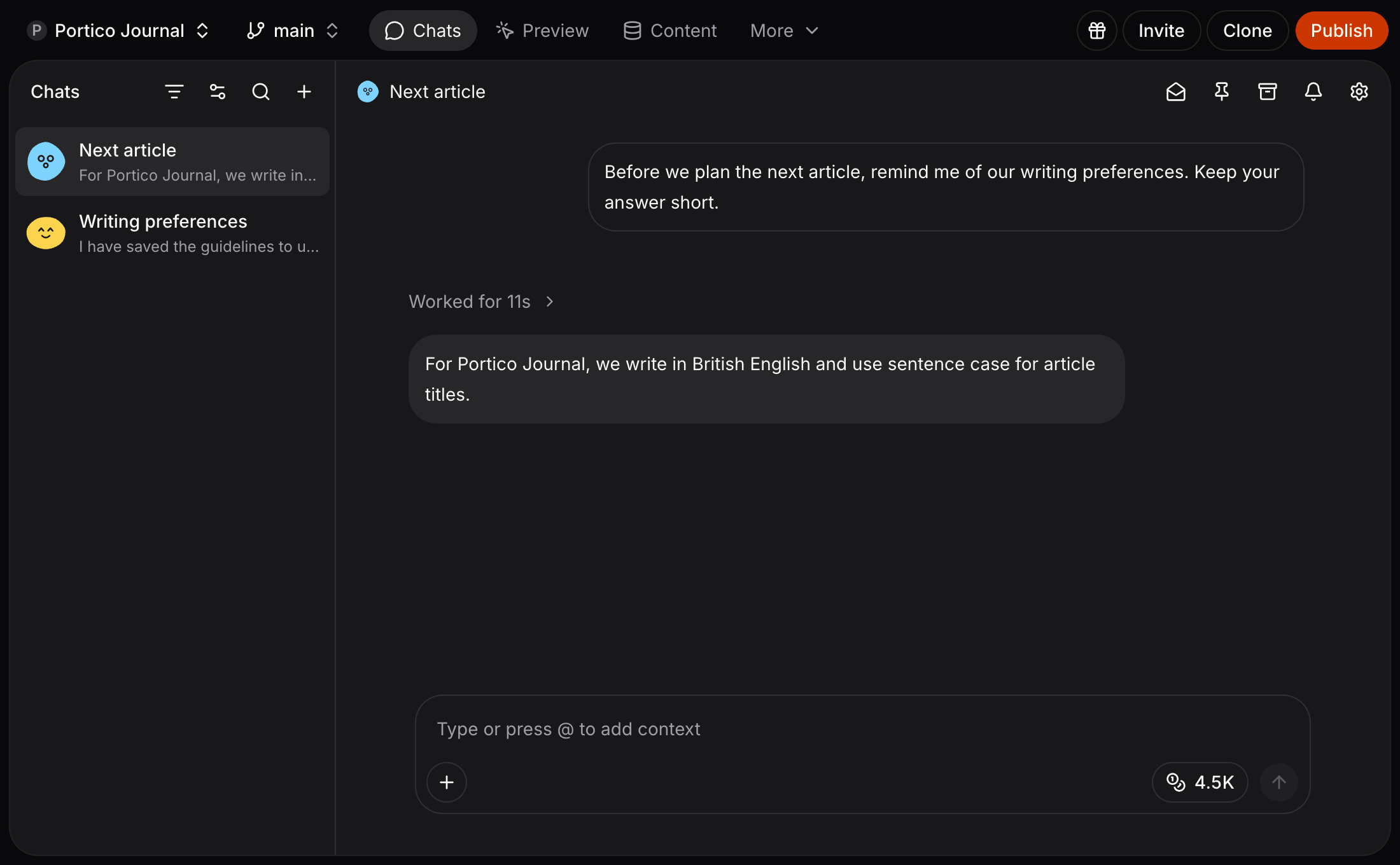
Keep one chat for your homepage, another for an article, and another for your next launch. The new Chats workspace brings them together in one place. Fimo recalling writing preferences in a separate chat, with both conversations in the Chats list

A conversation for each task

Start a chat with +. Switch between conversations without losing their history, and let several chats work at once. Your teammates can open the same conversations and continue the work. Pin the chats you return to, search for an older conversation, or archive one when you are finished. The list shows which chats are working and which have new activity.

Tell Fimo once

Fimo can keep project preferences and decisions across chats. Tell it “Use British English for our articles”, and it can save that preference for future conversations. Ask Fimo to change or forget a note whenever it stops being useful. Project memory is shared across the site’s chats, while each conversation keeps its own history. Explore Studio chat See all updates