
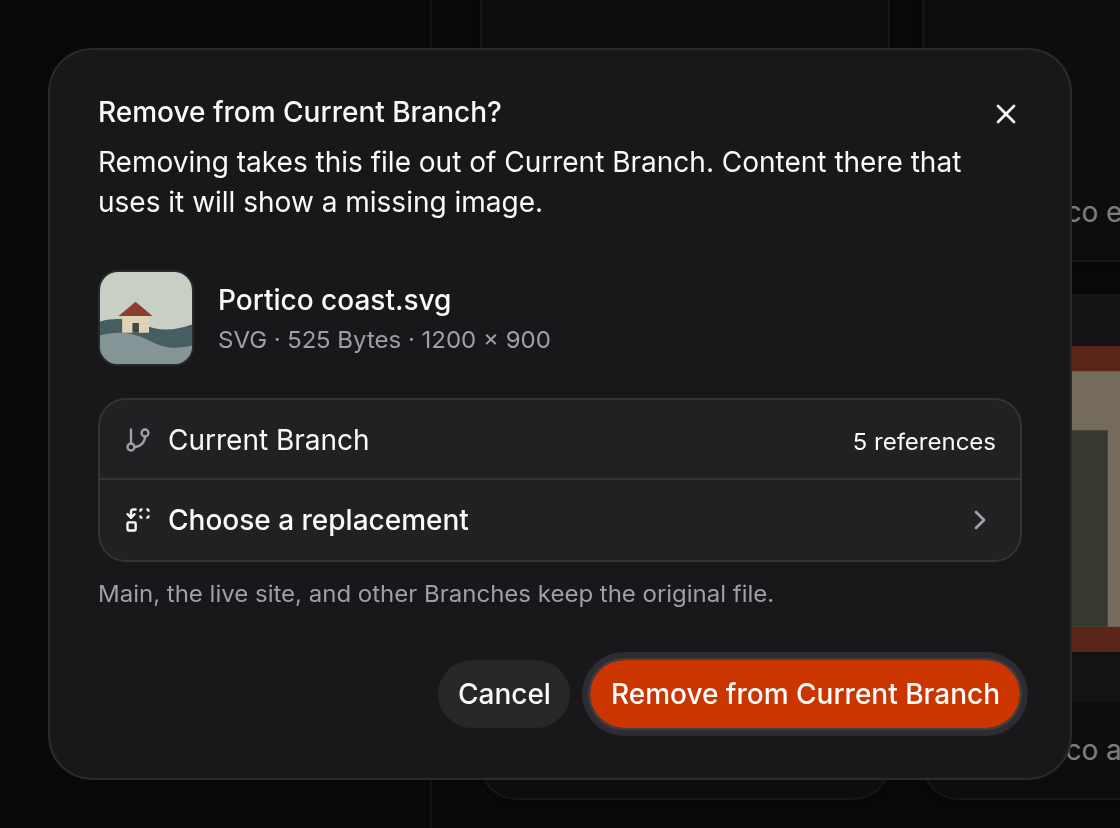
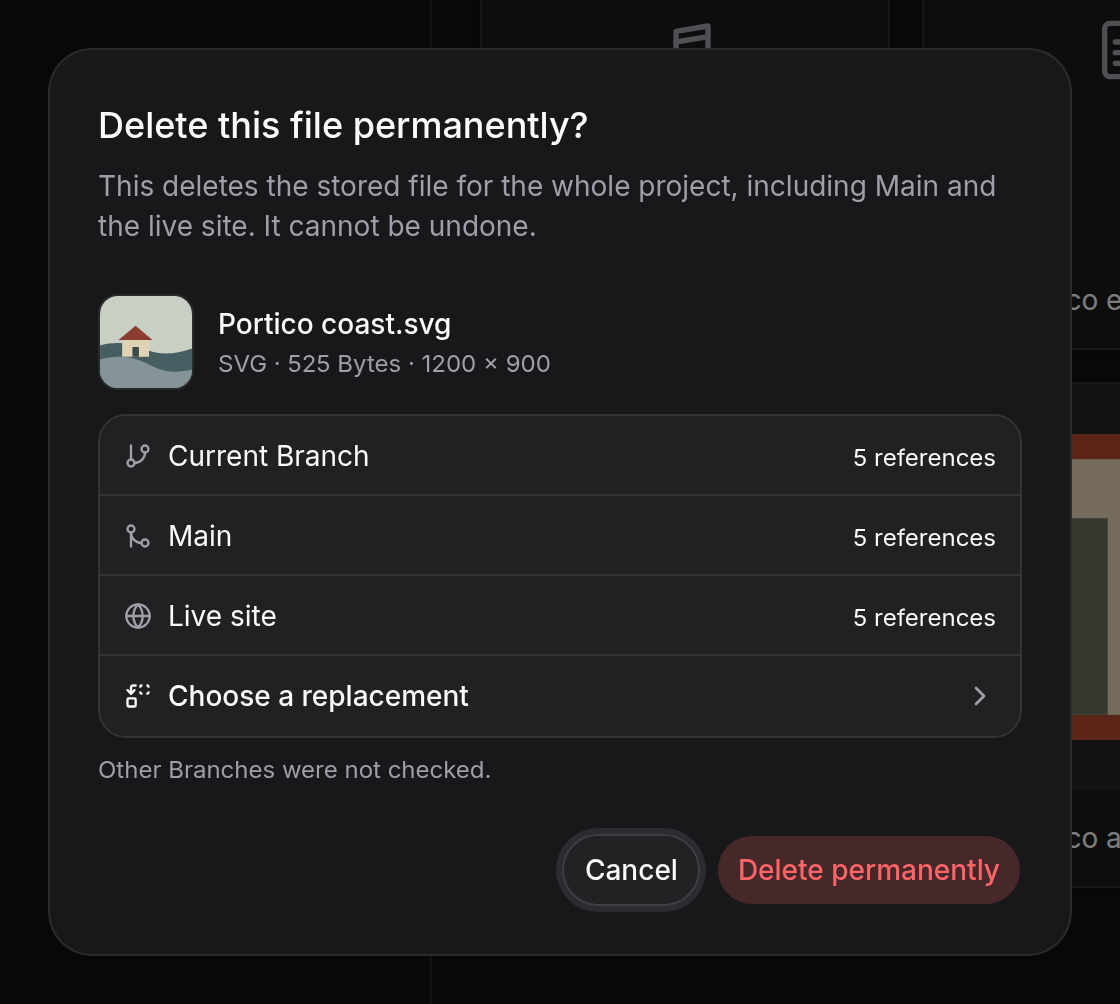
 Delete an asset from the project when you no longer need the stored file. This
is permanent and can affect every scope shown in the confirmation.
Delete an asset from the project when you no longer need the stored file. This
is permanent and can affect every scope shown in the confirmation.
Replace an image first
If an image is still being used, choose a replacement before removing it. Fimo updates those content references in the current Branch first.Use the CLI
Check where an asset is used or replace it.fimo assets remove <asset-id>
removes it from the current Branch. Add --permanent to delete
it from the project. Permanent deletion cannot be undone.