
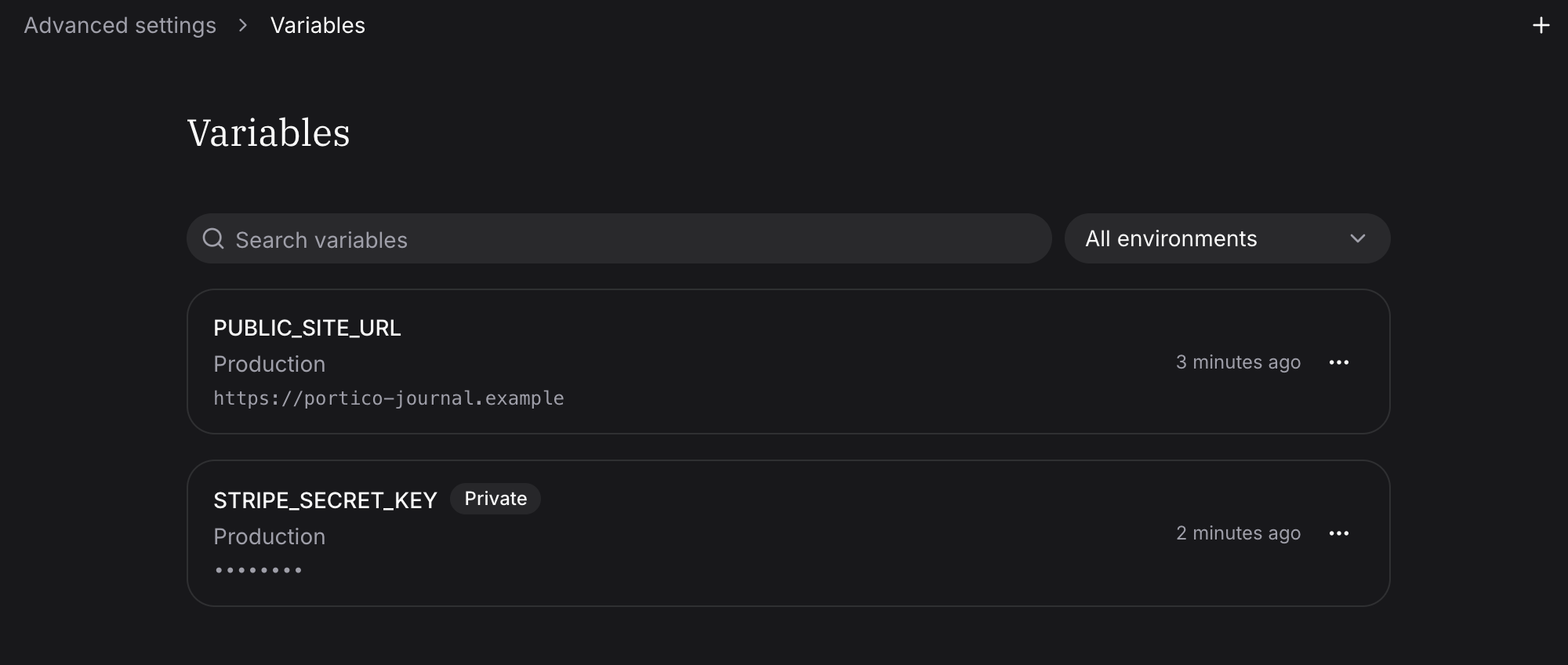
Private for server code, public for the browser
Open Settings → Advanced settings → Variables, choose Add variable, and turn on Private for a key such asSTRIPE_SECRET_KEY.
Fimo never shows the value again, never writes it to an env file or the
browser bundle, and hides it from logs. Read it from your server code.
Keep public variables for values the browser may see, such as your site URL.
Each Environment holds its own value, so use a test key in Preview and the live
key in Production. You choose public or private when you add a variable; to
change it later, delete the variable and add it again.
fimo vars pull never pulls a private value. Add your own test value to
.env.local for local development.
Manage variables