
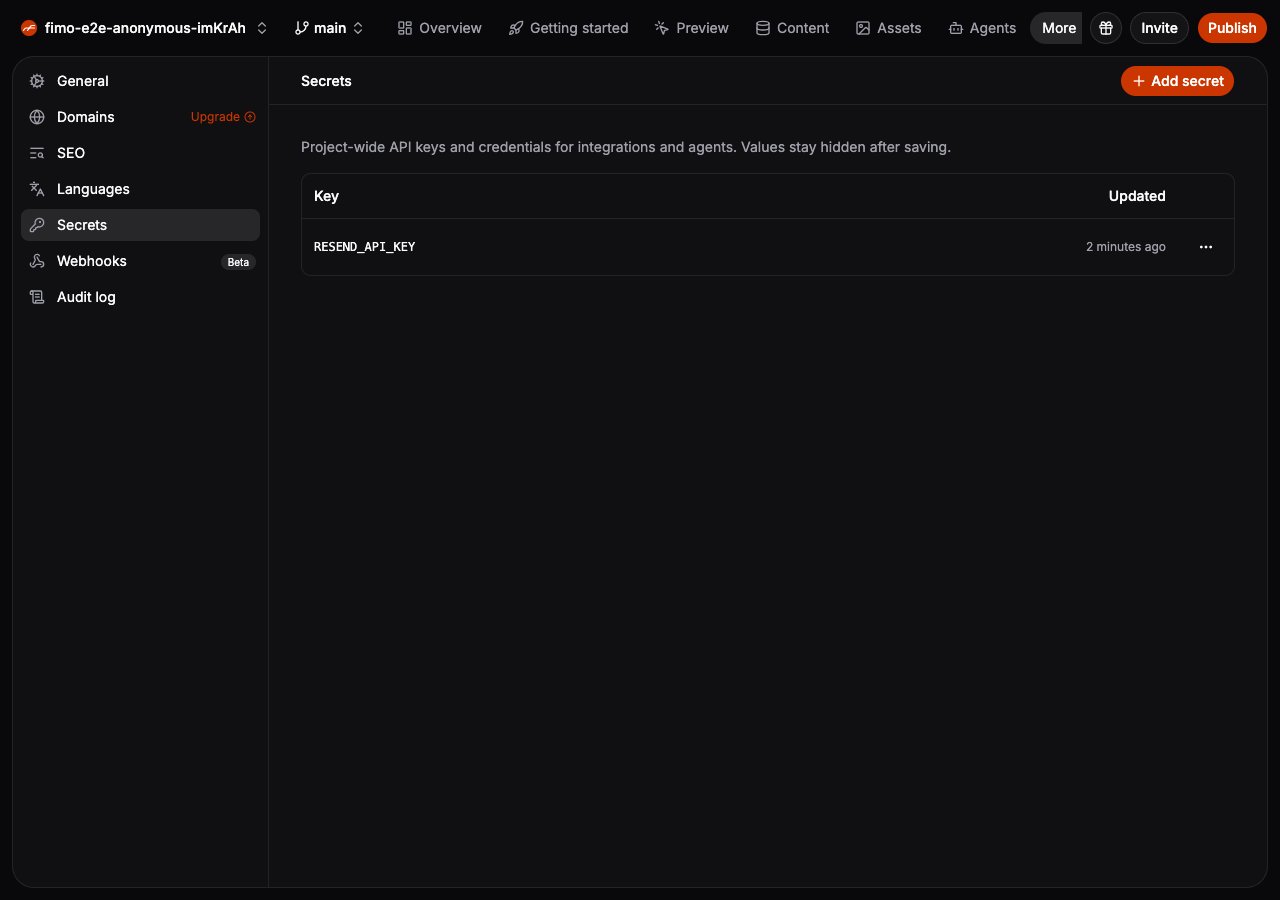
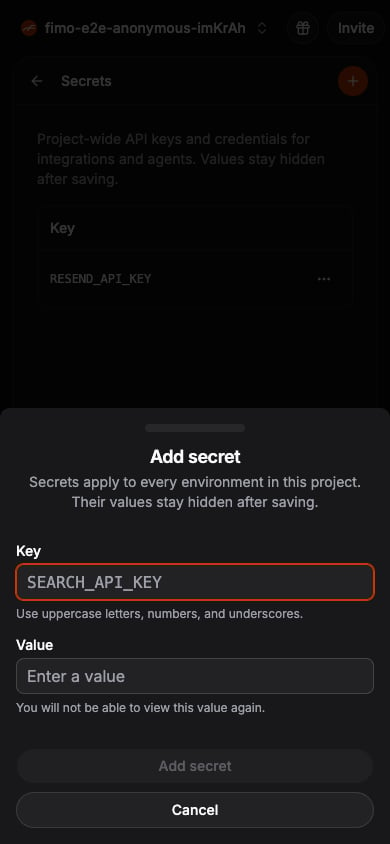
Add a secret
Choose Add secret, select the Environment it applies to, enter an uppercase key such asRESEND_API_KEY, then enter its value. Add the same key again when another Environment needs its own value. You will not be able to view the value again after saving it.
 Use the row menu to replace a secret value or delete the secret. Replacing a value keeps the same key, so integrations can continue referring to it.
Use secrets in integrations
When configuring a webhook header, insert an existing secret into a value such asBearer RESEND_API_KEY. The secret stays hidden in Studio and in delivery history.
Developers and coding agents can manage the same secrets with fimo secrets.
Webhooks
Send site events to services that use your secrets.
CLI reference
Manage site secrets from a terminal or coding agent.