
Site knowledge
Use Knowledge in site settings to save website goals, audience, brand guidance, and rules. This guidance is shared across Branches and becomes available to agents on their next context refresh. Managers can edit it; agents may save changes only when explicitly asked and authorized. Reading or editing knowledge requires the corresponding site permission. Knowledge included in a chat follows the same chat access rules as other tool results. Draft from website analyzes code, labels, and sampled CMS copy from the default Branch in the background. It produces a Markdown brief covering Brand, Target, Goals, Rules, Competitors, Tone of voice, and Design preferences. Missing information is marked “Not specified.” Code is pinned to a revision; CMS content is sampled when the run executes and may be unpublished. It does not crawl the live website. Edit the proposed guidance in the knowledge field, then choose Save. Drafting alone never changes saved knowledge. Check inferred goals carefully: the current website may not reflect your intended direction. If analysis fails, retry it. Knowledge is optional. An empty knowledge base does not prevent agents from working. Each save replaces the current Markdown. For command-line access, see Site knowledge.Other General settings
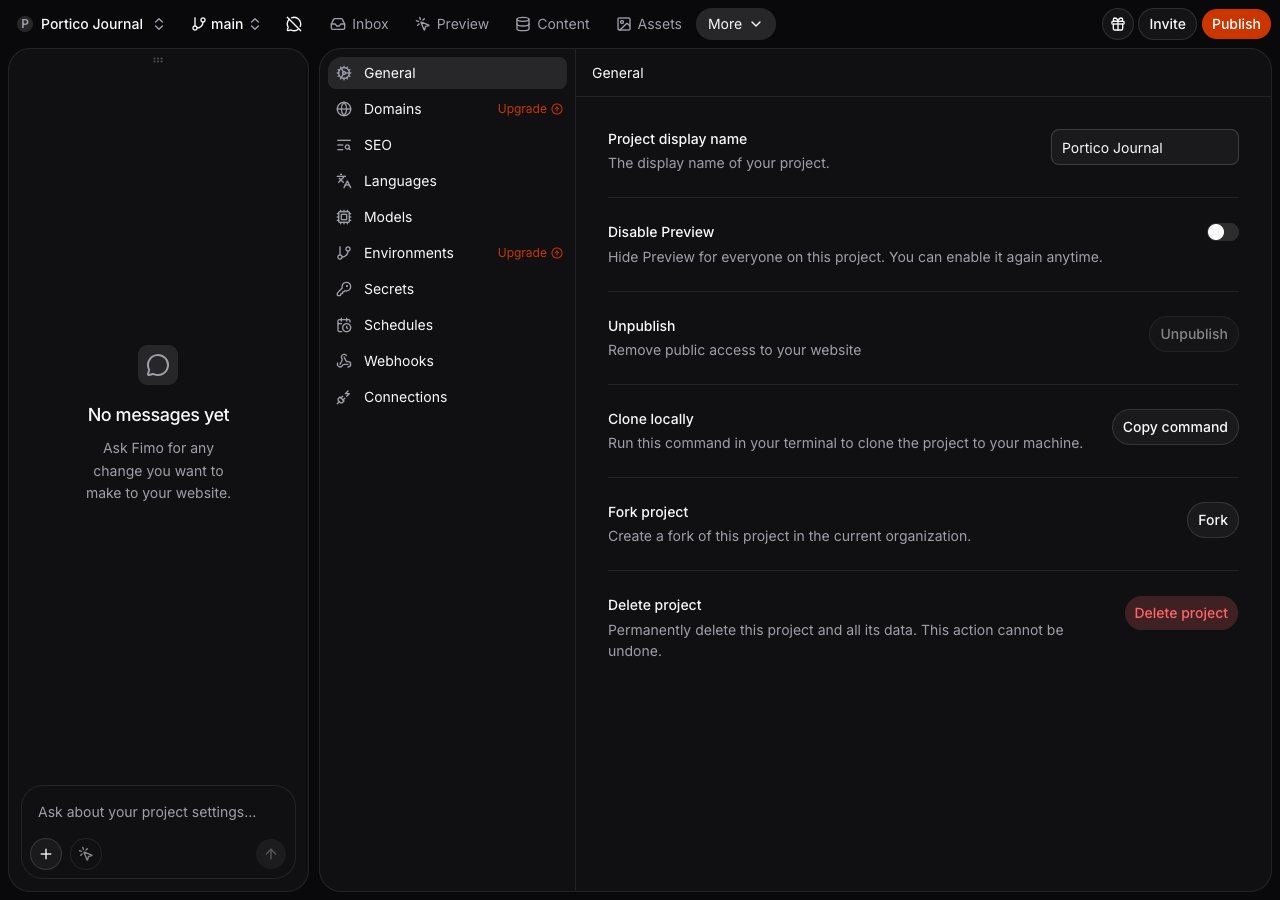
- Site display name changes the name shown across Studio.
- Unpublish removes public access without deleting site data.
- Duplicate site creates a copy in the current organization.
- Delete site permanently removes the site and its data. Organization owners and admins can also delete a site whose setup did not finish.